 ReaderView
Turn messy pages into calm reading
Too many articles and PDFs are technically readable but exhausting to get through. ReaderView strips away the clutter so you can stop fighting ads, sidebars, and awkward layouts and actually focus on the content.
It is for people who save interesting things all day and want them to become calm, readable documents instead of yet another pile of tabs they may never revisit.
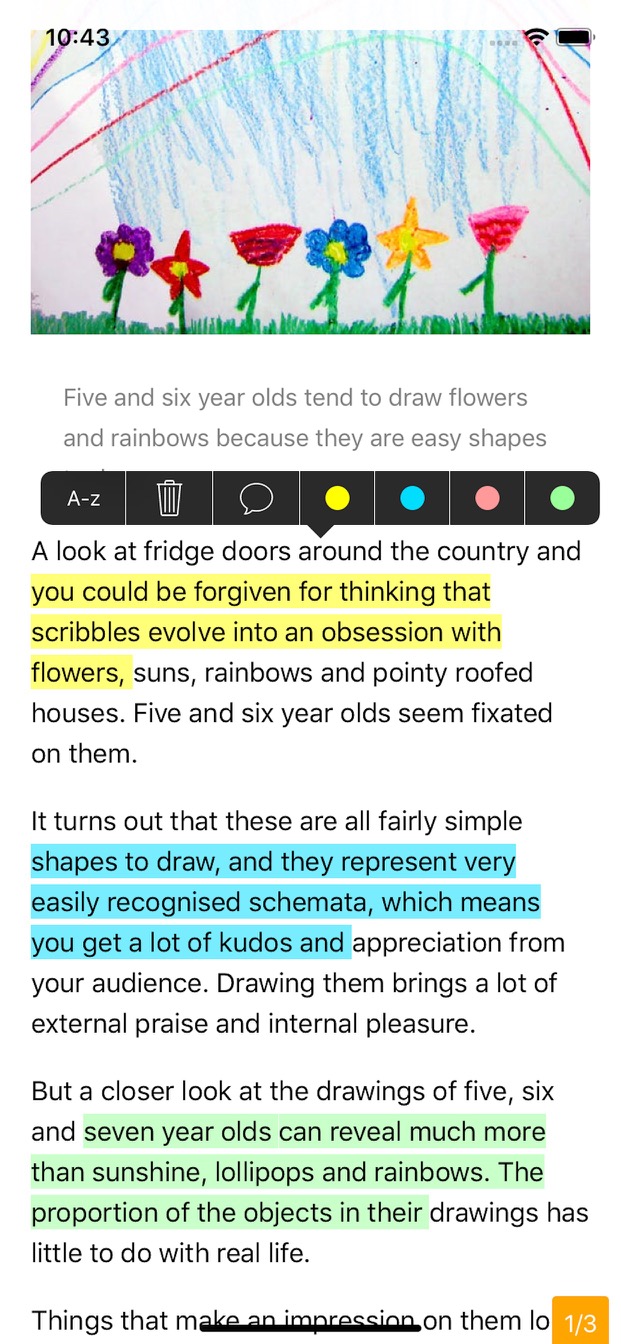
Keep the parts that matter
When something matters, you can highlight it, add notes, and keep the useful parts instead of losing them inside the original page.

Read PDFs without losing the useful parts
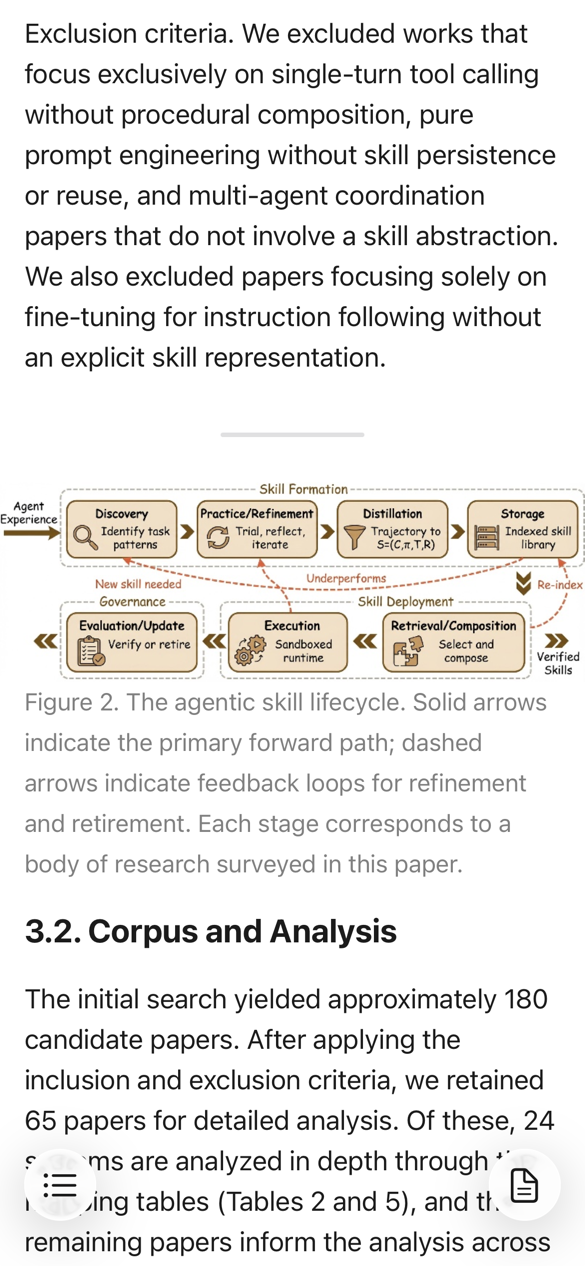
ReaderView is not limited to plain web articles. It also makes PDFs easier to read while keeping the structure that matters, including images, figures, tables, and formulas that would be frustrating to parse in a typical mobile PDF view.
Turn videos and podcasts into readable transcripts
When listening or watching is not convenient, ReaderView can transcribe YouTube videos, Apple Podcasts episodes, and videos shared on X/Twitter. Each becomes a clean reading view you can skim, search, highlight, and save alongside everything else in your reading list.

Save the original media for later
Want more than the transcript? ReaderView also lets you save the video or audio from supported media, so you can keep the original together with the text and return to it when it suits you.
Make reading feel like your own space
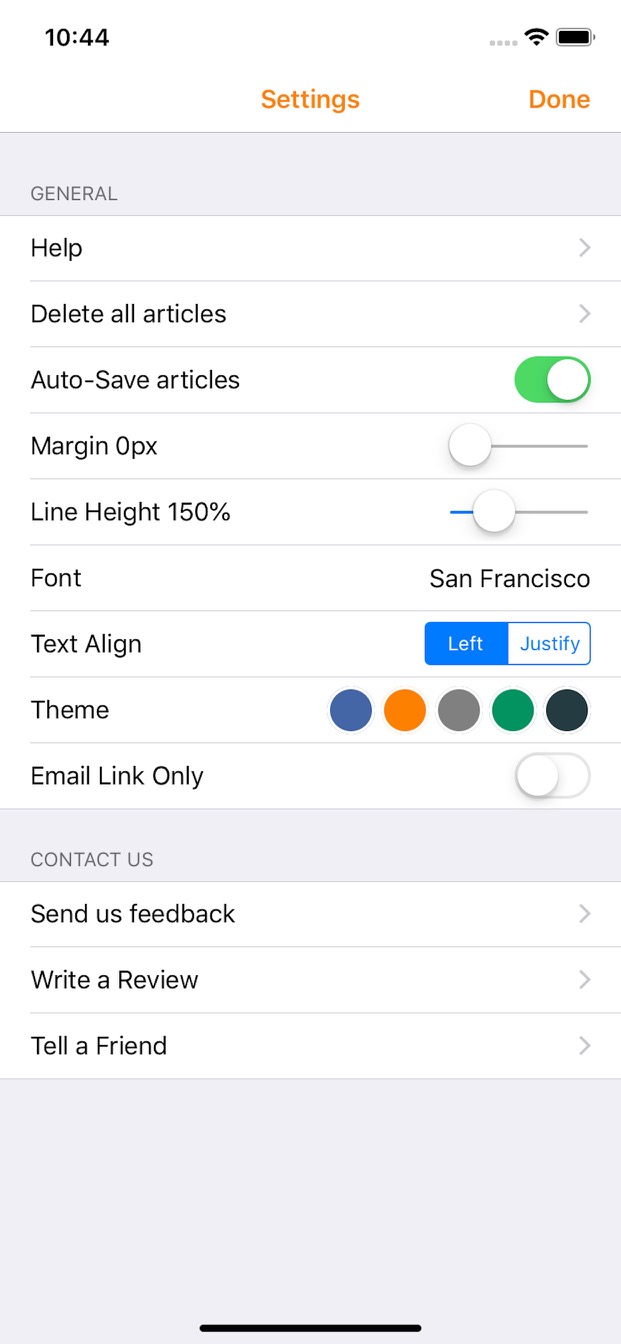
You can make the reading experience feel right for you too, with your preferred font and theme, then share either the full text or just the passages worth sending to someone else. Your saved reading list is also available from our web reader.
Save to iCloud and read it later
ReaderView also helps with the common "I'll read this later" problem. Your saved documents are stored in iCloud, so your reading list stays available across your devices and in our web reader. You can also keep articles and PDFs available offline and come back when you actually have time to read.


Rated ★★★★★ on the App Store.