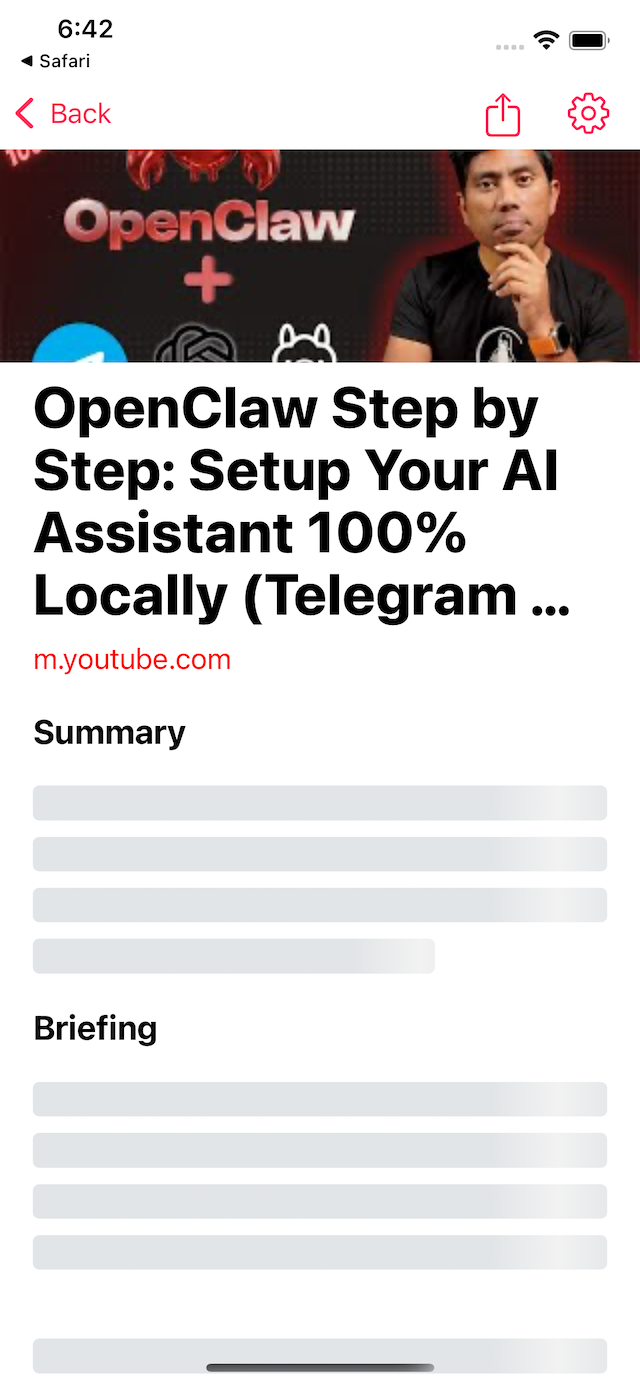
Turn Any Link Into a Briefing
Instant AI summary and AI audio overview from any web page, X article, PDF, or YouTube video.
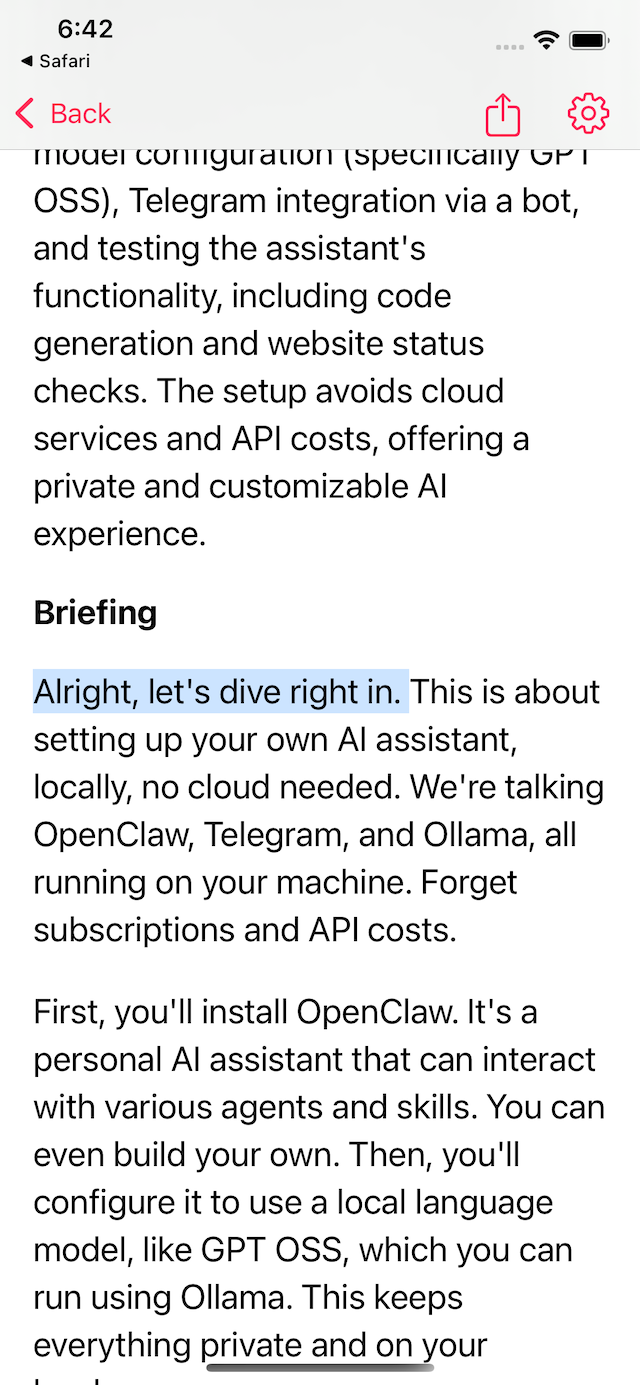
Listen Sentence by Sentence
Tap text to read out loud. VoiceView auto-plays the next sentence and highlights the current sentence while you listen.
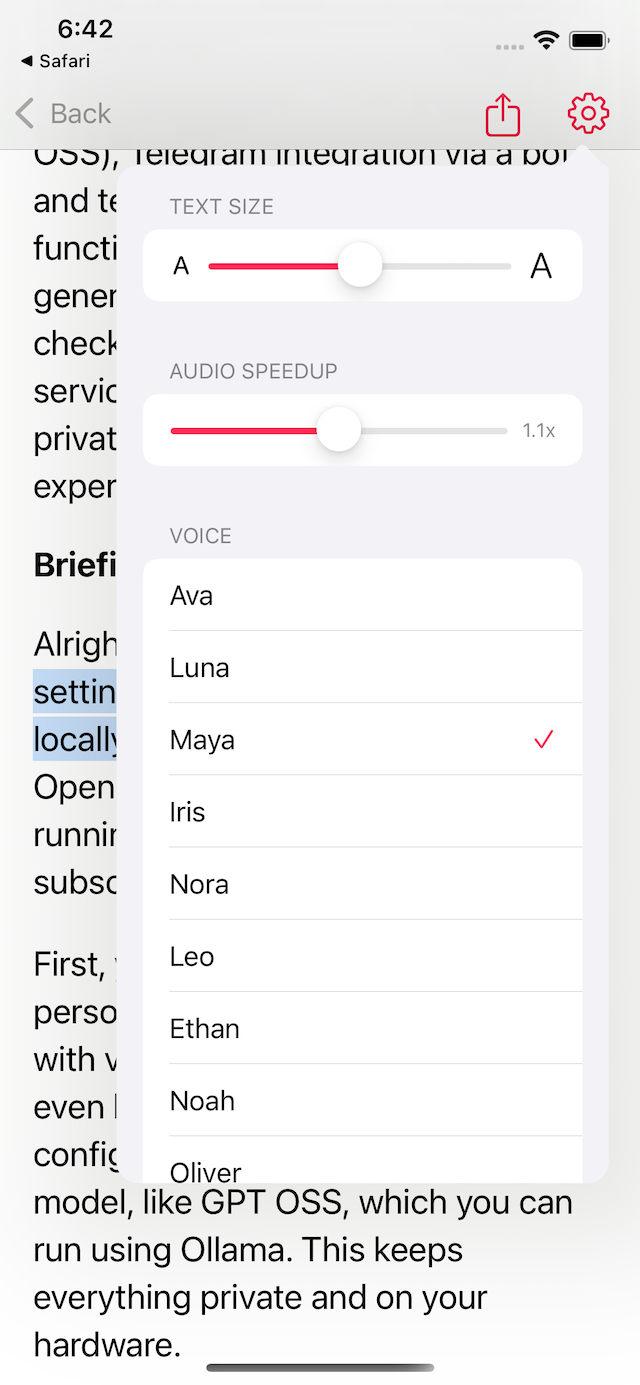
Tune Reading and Voice Your Way
Customize font size, reading speed, and AI voices (10 voices) to match your pace and listening style.
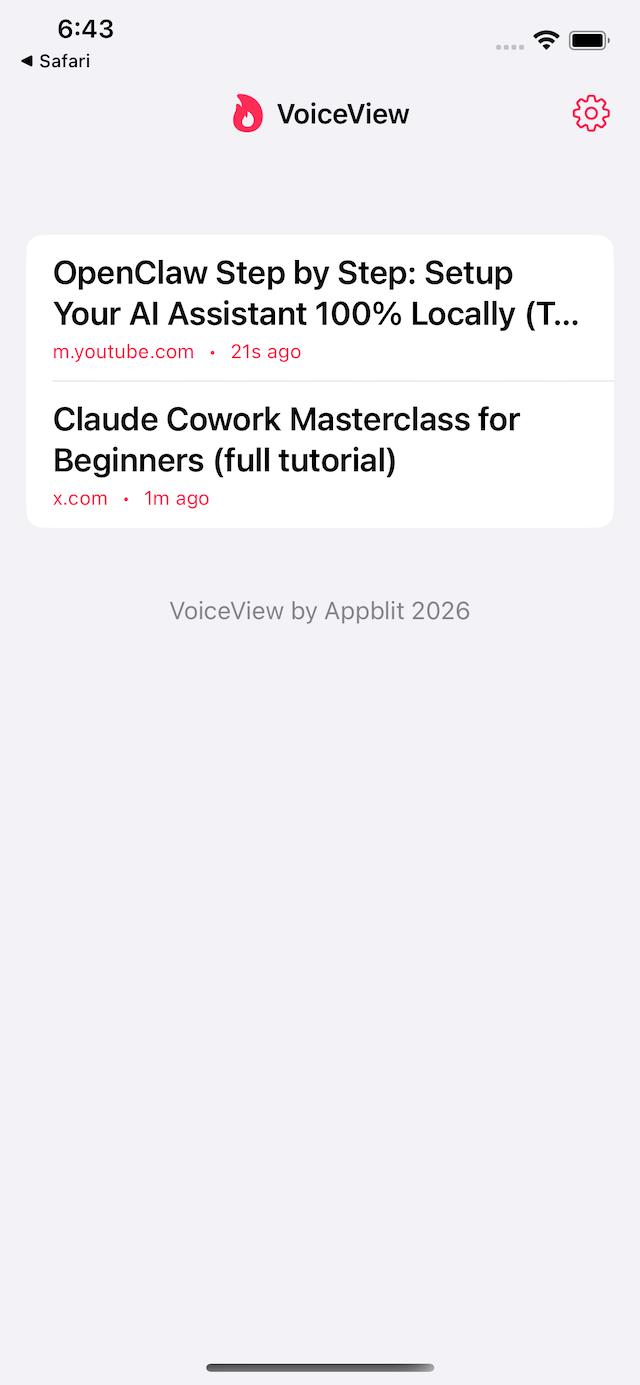
Manage and Share in One Tap
Browse all articles in one list, delete what you do not need, or share online with free hosting.
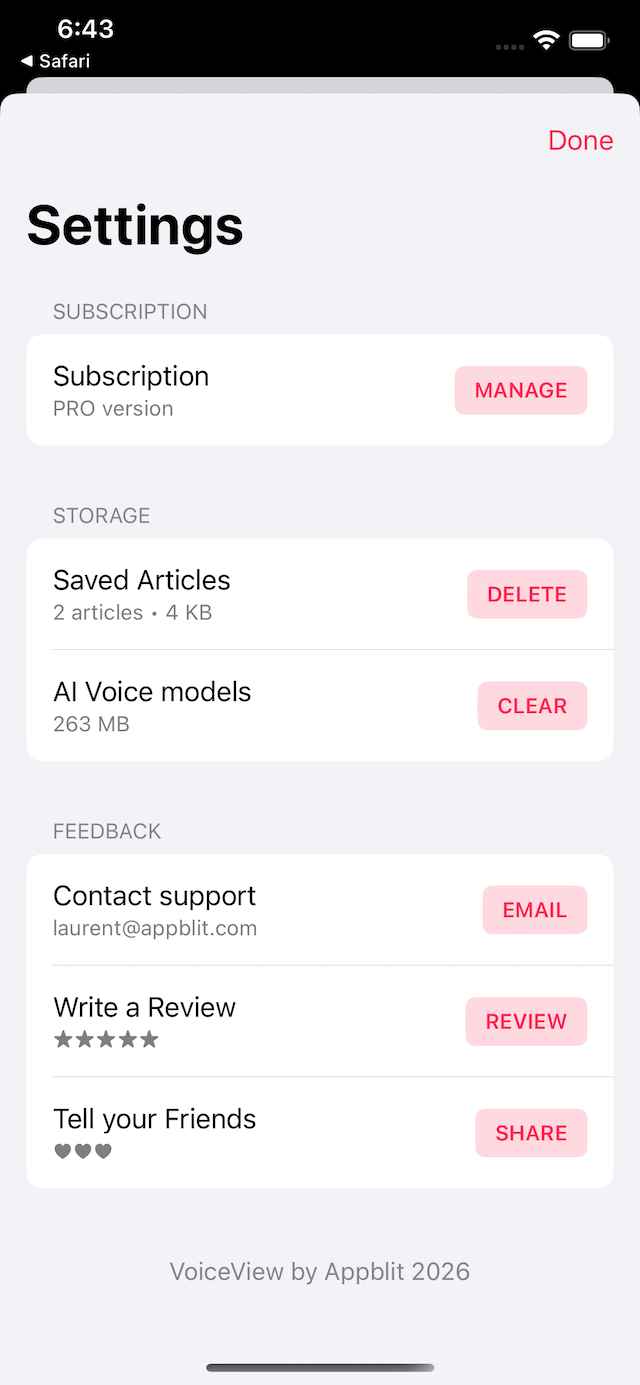
Full Control in Settings
Manage your subscription, remove saved articles, clear local AI voice models, and contact support from one place.
Testimonials
Take back control of your time. VoiceView brings calm into your digital life.
"Saves me so much time. I can get the key points in minutes and listen while I walk."
"Perfect for long articles. The summary plus voice briefing is exactly what I needed."
"I use it daily for YouTube and long X articles. The app makes dense content actually manageable."
"Clean interface, great voices, and fast results. Super useful for commute listening."
"The sentence highlighting while audio plays helps me stay focused and retain more."
"Great for quick research. I can scan, listen, and share a briefing with my team quickly."
Contact
Questions or feedback? Email laurent@appblit.com.