 NiceGrab
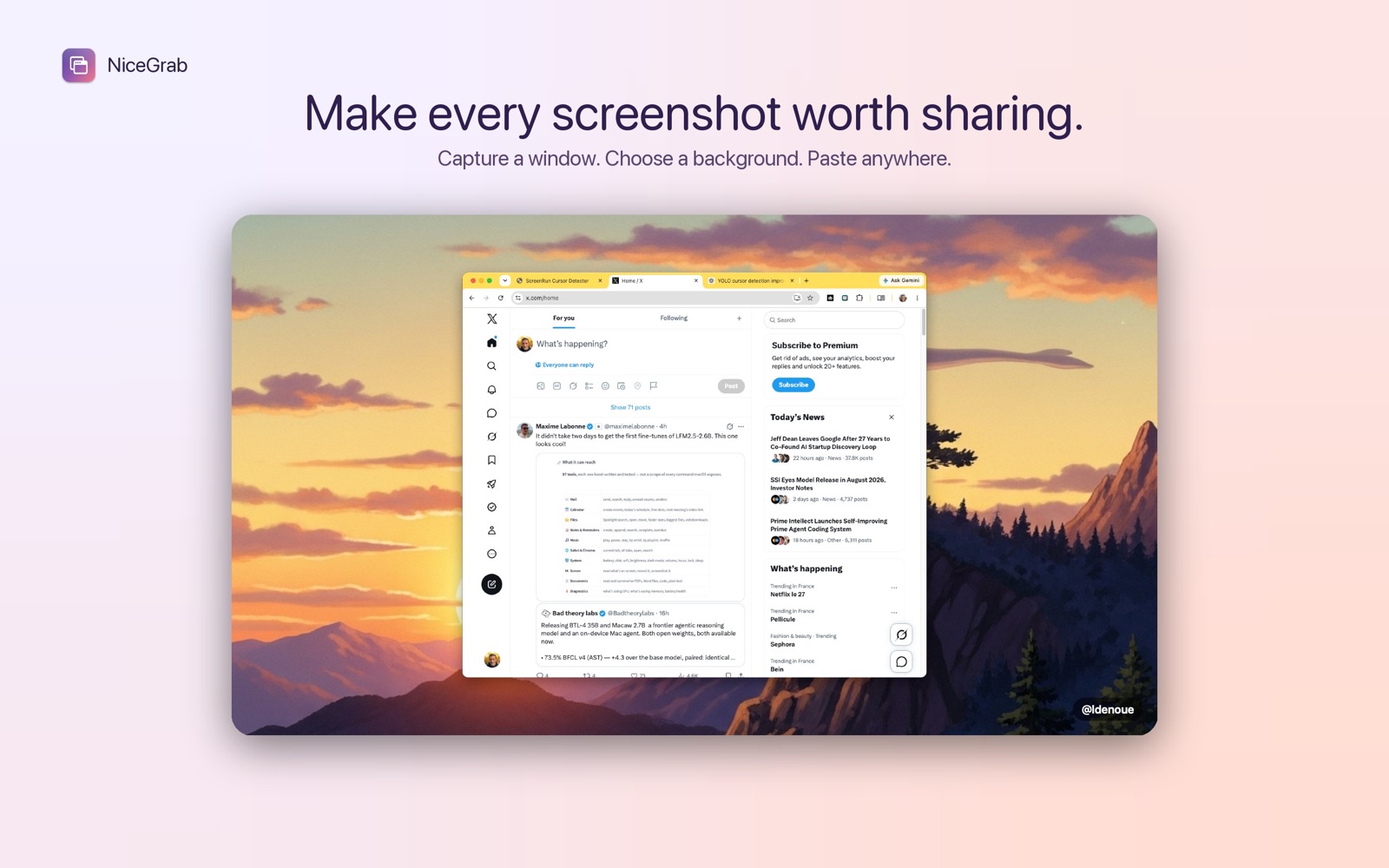
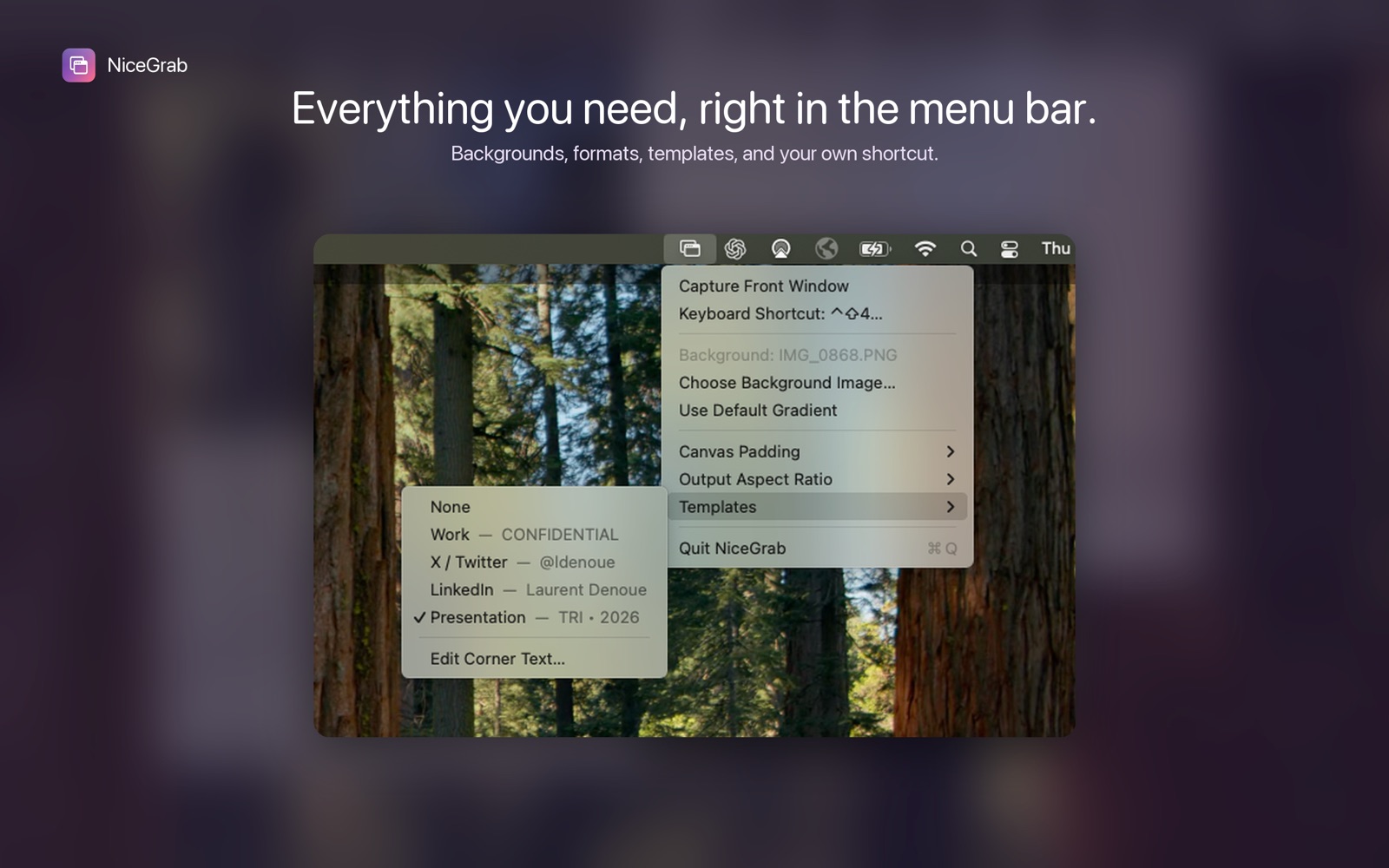
NiceGrab lives quietly in your Mac’s menu bar. Press a customizable keyboard shortcut to capture the frontmost window, place it over a beautiful background, and copy the finished image directly to your clipboard.
From window to share-ready image
Skip the manual crop, canvas setup, and export steps. NiceGrab turns the window in front of you into a polished image in seconds, ready for social posts, presentations, documentation, or work.
Make every capture yours
- Beautiful backgrounds: Use the built-in colorful gradient or choose any background image.
- Flexible formats: Pick adaptive, 16:9, 4:3, or square output.
- Adjustable spacing: Set the canvas padding that best frames your window.
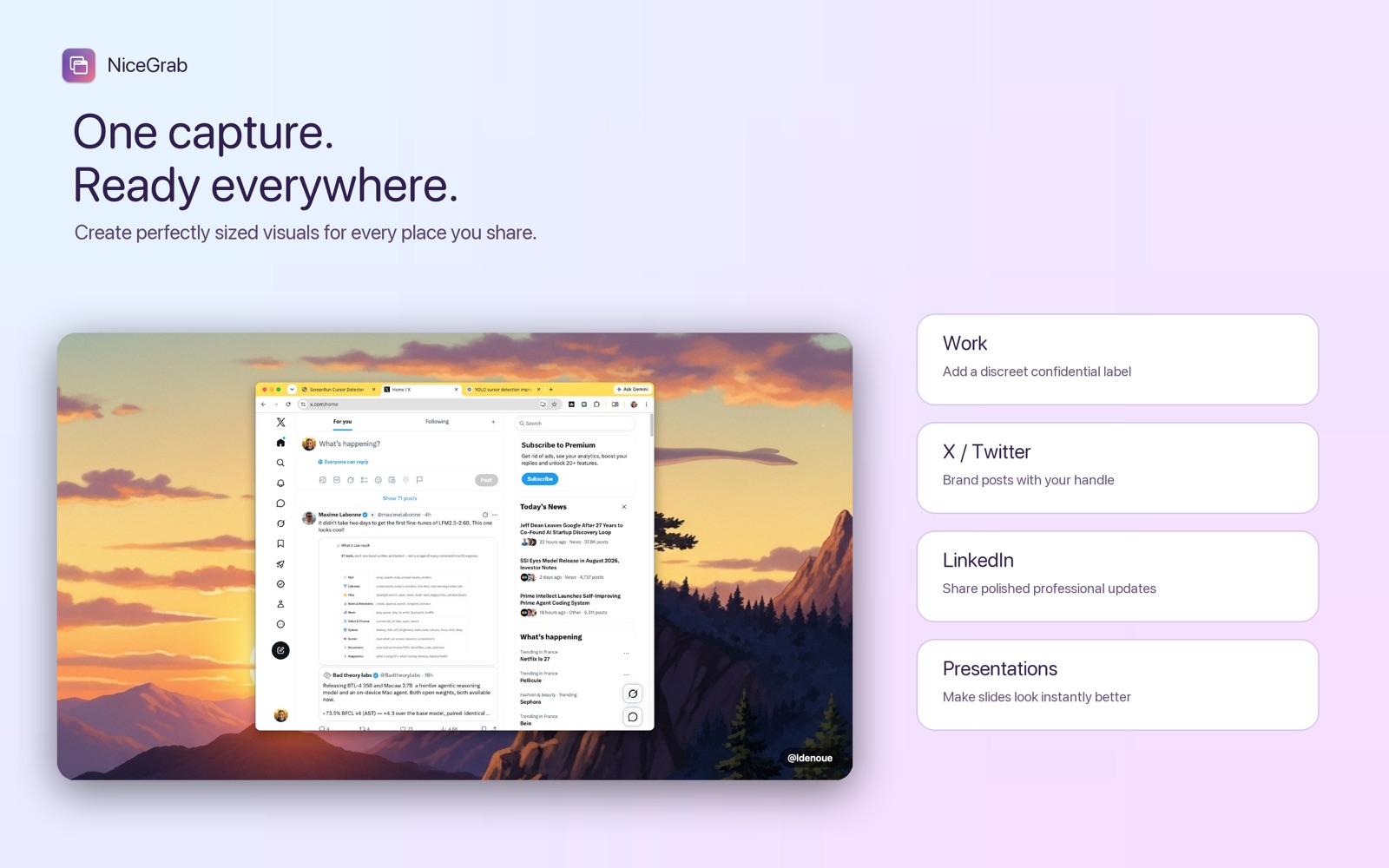
- Ready-made templates: Create images sized for work, X, LinkedIn, and presentations.
- Custom labels: Add your own corner text to each template.
- Fast capture: Configure a global shortcut and copy the result straight to the clipboard.
Private by design
NiceGrab processes everything locally on your Mac. Your screenshots and background images are never uploaded.
Terms of service and privacy
NiceGrab does not collect any information. NiceGrab for macOS falls under the App Store terms of service provided by Apple.